
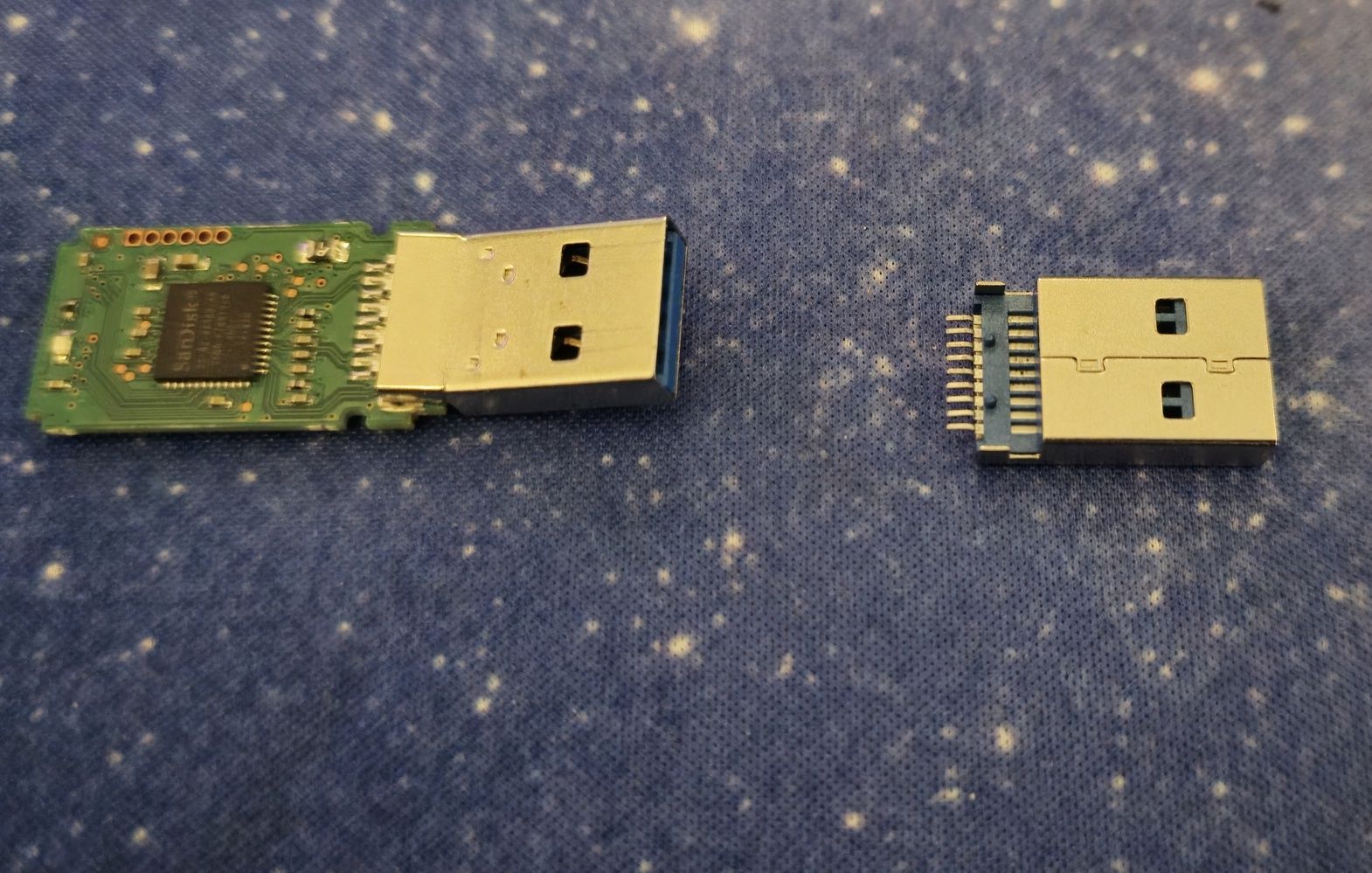
What I describe here can help you protect your projects, music and documents from loss, now and in the future. It may also help you decide what to do when a USB flash drive containing important data stops working, or even enable you to repair it yourself. I am describing the process because several friends recently lost data on USB drives. Computer repair services quoted very high prices, and some IT services could not remove and refit a USB connector themselves. They often passed the work to other companies or refused further recovery attempts when software had not helped.
USB flash drives are most often damaged by mechanical stress, moisture or improper use. Sometimes the memory deteriorates without anything we have done, or simply fails suddenly for no obvious reason.
Common faults include damage to the USB connector mounted on the PCB, sometimes with pads torn from the board, damage from improper removal and surges on the 5 V line that can permanently damage the data stored in NAND memory cells. Do not bend a USB drive even if that sometimes restores contact; this is a common mistake. USB flash drives are not reliable primary storage for files. Save important data on your computer's hard drive or back it up to the cloud. A flash drive should serve only as temporary storage for transferring data between computers or in places without internet access.
Do not dry water-damaged devices on a radiator, put them in a container of rice or connect them to a computer under any circumstances. In many cases, the solution may be to remove the electronics from the casing, clean the board thoroughly with isopropyl alcohol and a toothbrush, and remove all white or blue deposits. Then dry the board thoroughly. The sooner this is done, the greater the chance of stopping oxidation.
Note: Even if the device starts working after drying on a radiator, this does not stop the chemical processes affecting its metal and electronics. They can continue over time and permanently damage the NAND memory.
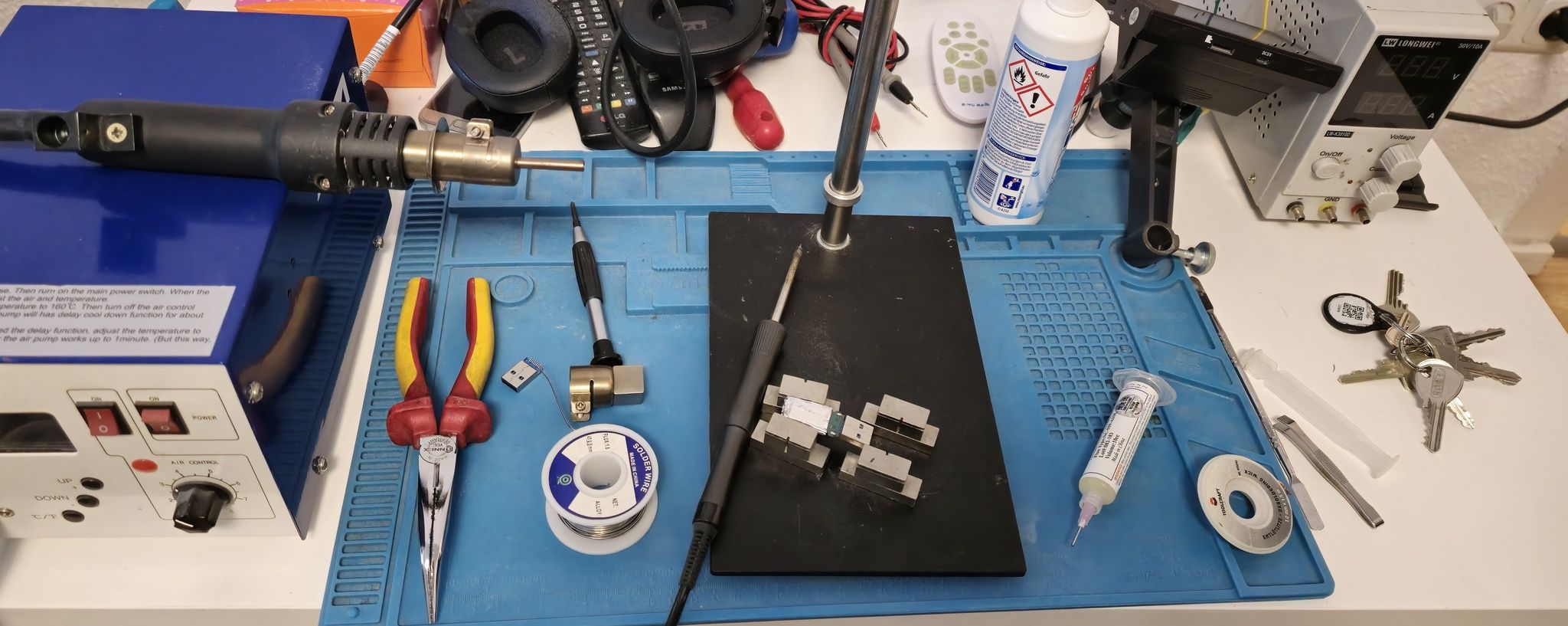
Repairing a damaged USB connector involves desoldering the old one and fitting a new one. You need aluminium tape to protect the NAND memory and controller, an adjustable soldering iron rated at least 75 W, a hot-air soldering station, a metal base with magnetic PCB holders, a microscope, flux, a new USB connector, isopropyl alcohol, lead-free solder, desoldering braid or a solder sucker, and thin 0.25 mm Kynar wire for repairing any damaged traces, pads or board areas.
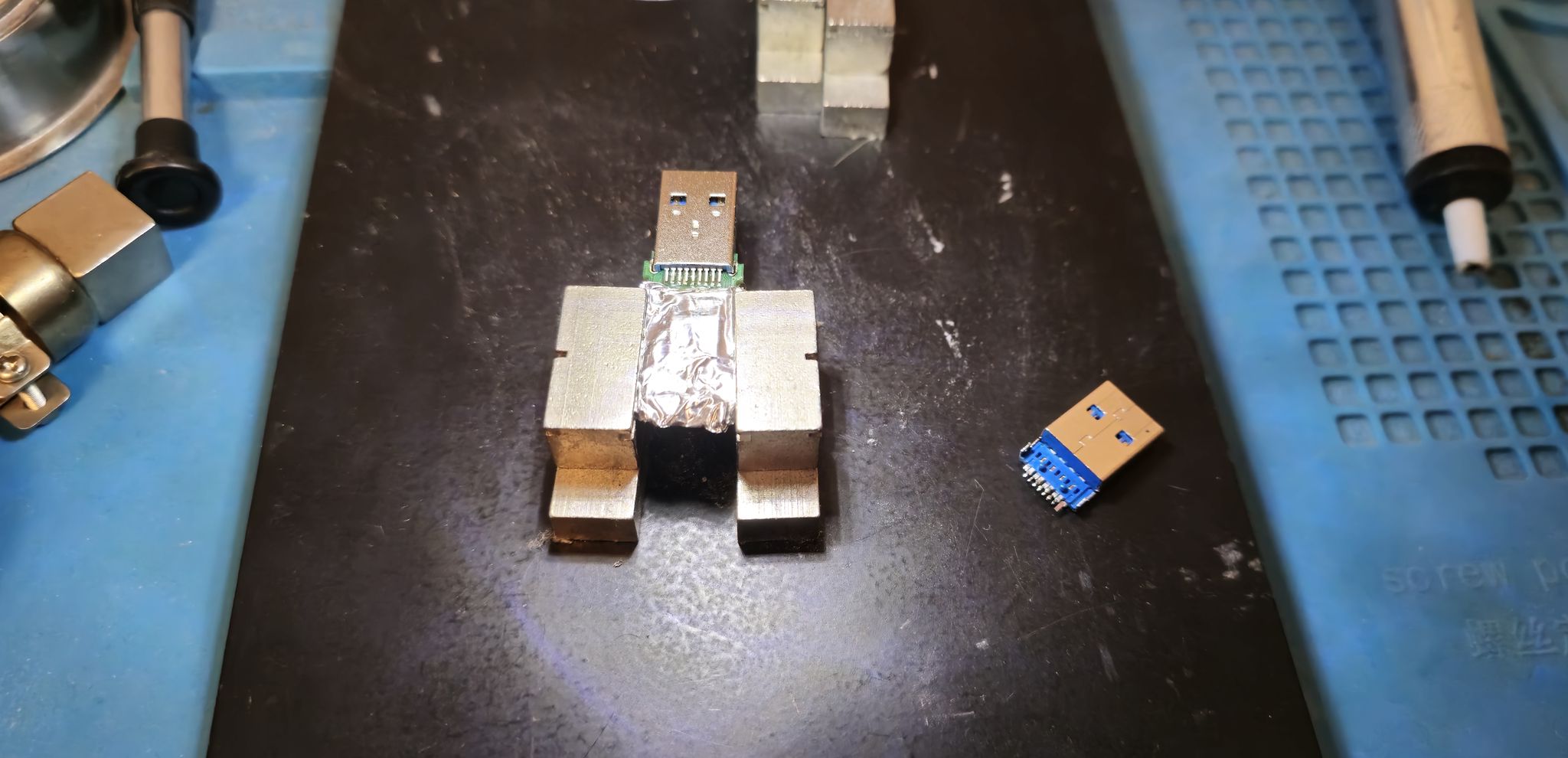
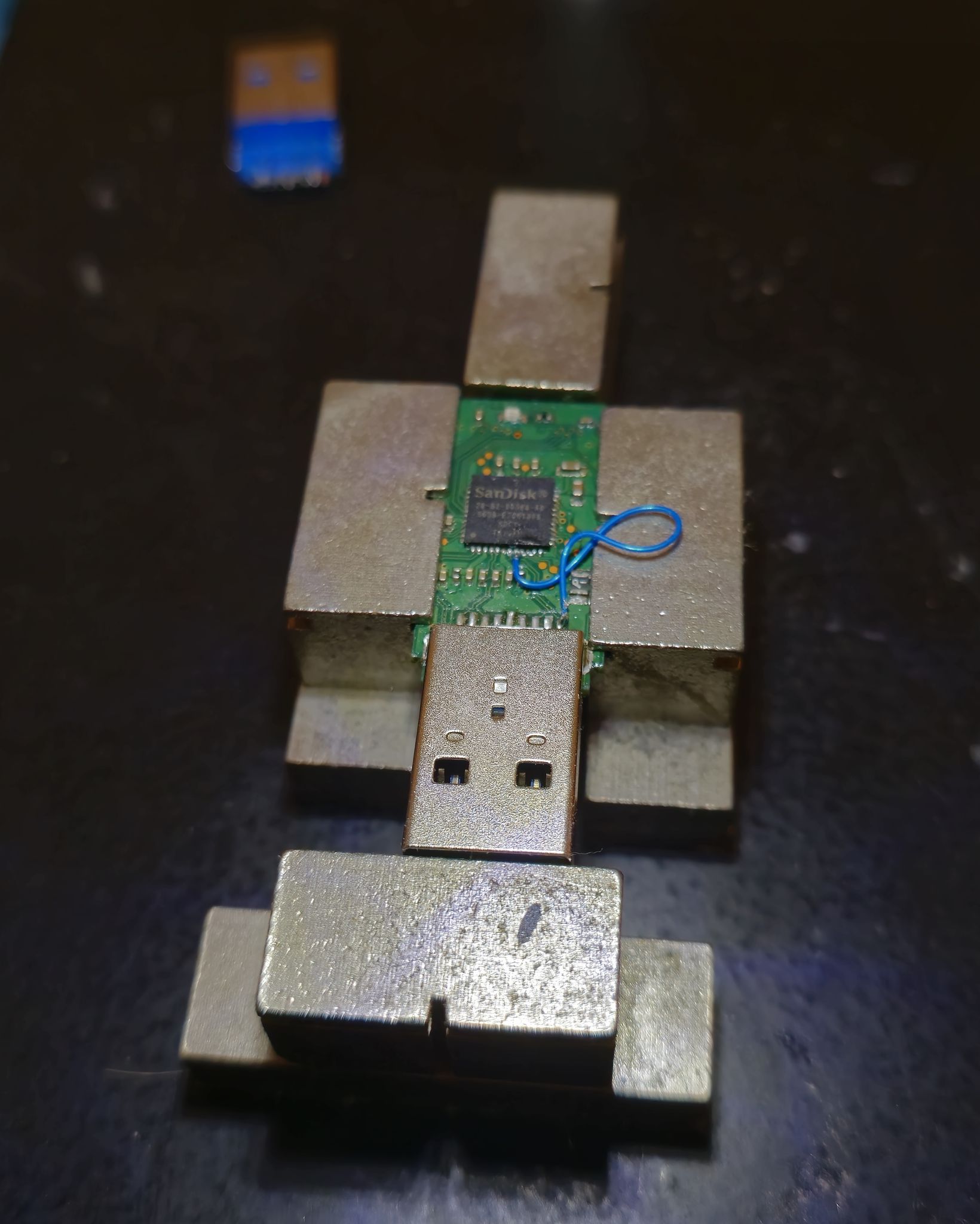
First protect the sensitive areas, NAND memory and controller with aluminium foil. Apply flux to the USB connector pads and secure the board in its holder. Remove solder from the connector's ground mounting points using a solder sucker or braid. Turn the board over and heat all solder joints with hot air until the solder melts. Add more flux if needed. Gently remove the connector with tweezers or another suitable tool, making sure all pads are heated evenly. Clean the pads with braid and flux, then inspect the traces and pads under a microscope.
After cleaning the board with isopropyl alcohol, lightly tin the pads. Fit the new connector, making sure its legs line up with the pads. Under the microscope, check that every pin sits close to its pad and look for microcracks in the traces. Begin soldering with the ground connection, or connector housing, then solder each connector pin to its pad.
Soldering can also be done with solder paste and a hot-air station or with a standard soldering iron. For data recovery, hot air can reflow the existing solder, but the connector's plastic may deform. Fitting the connector with a conventional soldering iron is therefore more reliable. A preheater with board holders is also useful: it helps prevent pads from lifting during desoldering and allows heating from above and below at the same time. This is faster and more reliable, but requires a preheater.
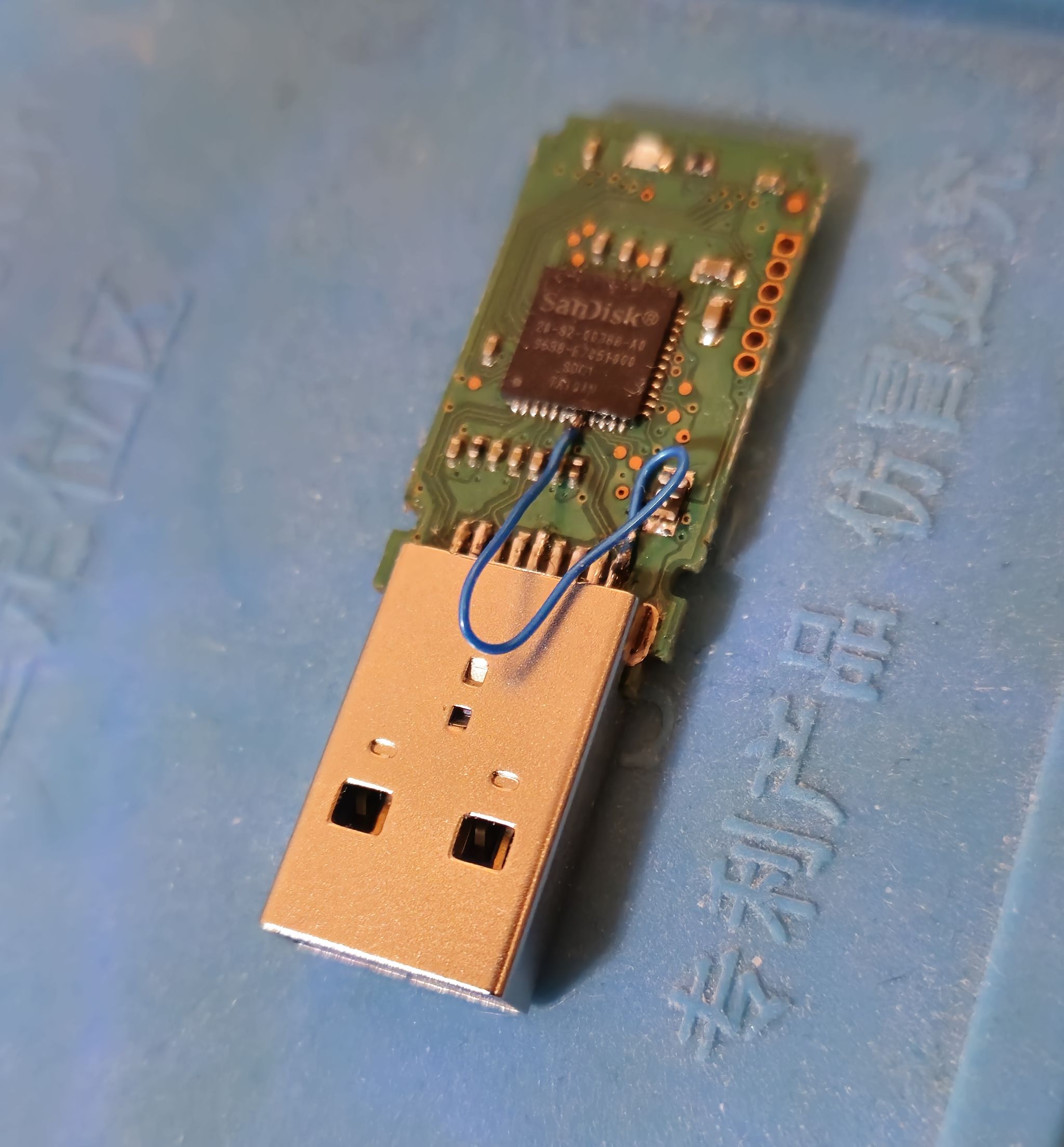
If the structure of data stored in NAND memory is damaged, recovery software may be able to analyse the memory and recover data sector by sector. If the NAND controller is damaged, a compatible controller can sometimes be programmed with the appropriate firmware using tools supplied by the flash drive manufacturer, then fitted as an SMT or BGA component. This does not always succeed, so a specialist data recovery company is often needed.
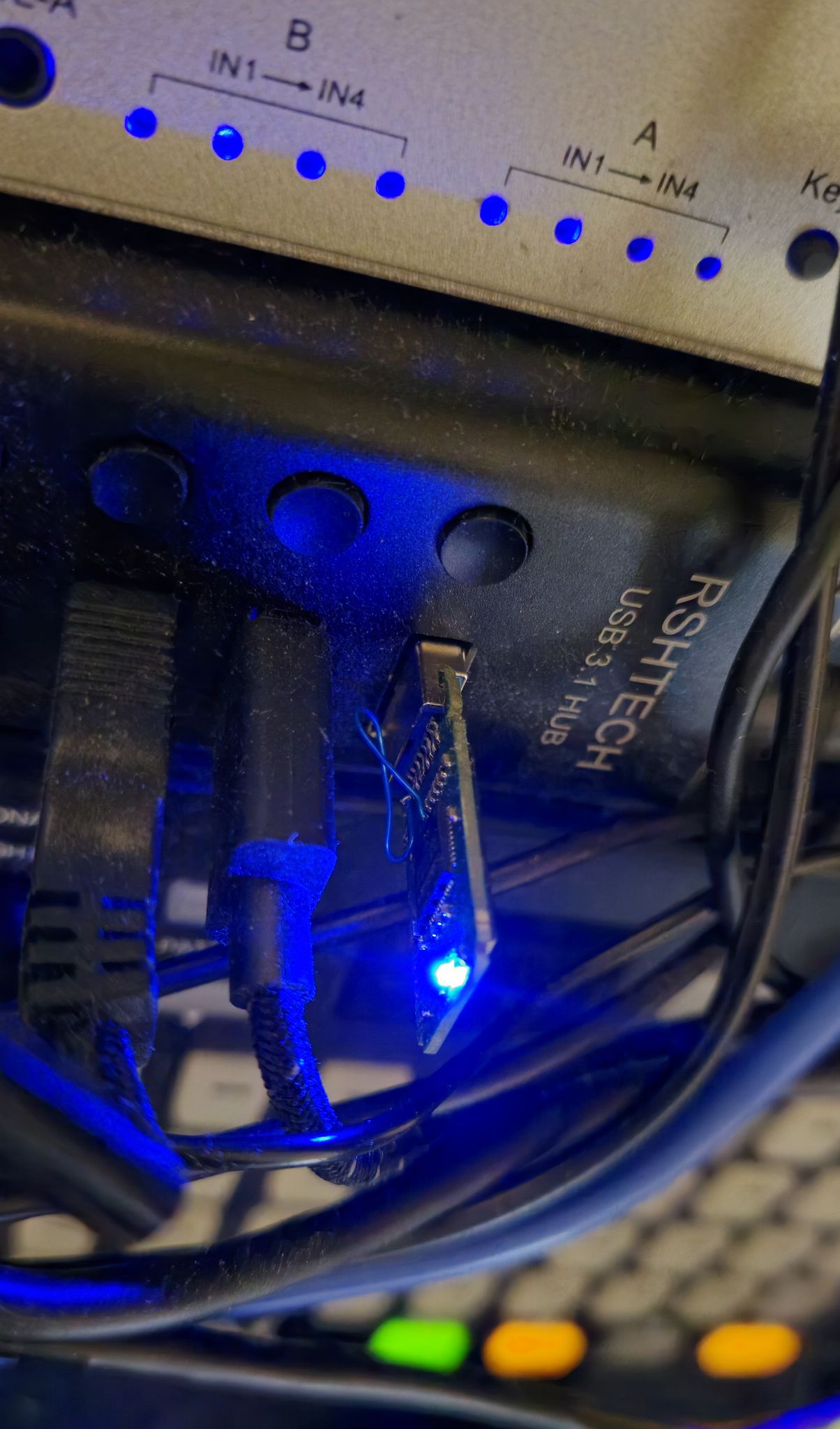
Such companies may only need the NAND memory, which they can desolder from the damaged PCB and place in a suitable reader. In some cases, part of the chip casing is removed to reach connections inside the NAND memory. This method requires a specialist laboratory and is expensive.
The best approach is to contact an electronics workshop that repairs consumer electronics, computers or televisions, or a specialist IT service that carries out soldering work on site.