Catalogue plugins in bulk
Generators and effects are read from selected FL Studio database folders and can be chosen for the profile.
Your FL Studio plugin database becomes a clearly organised Stream Deck profile. Folders, controls and colours appear on the keys without having to create every assignment manually.
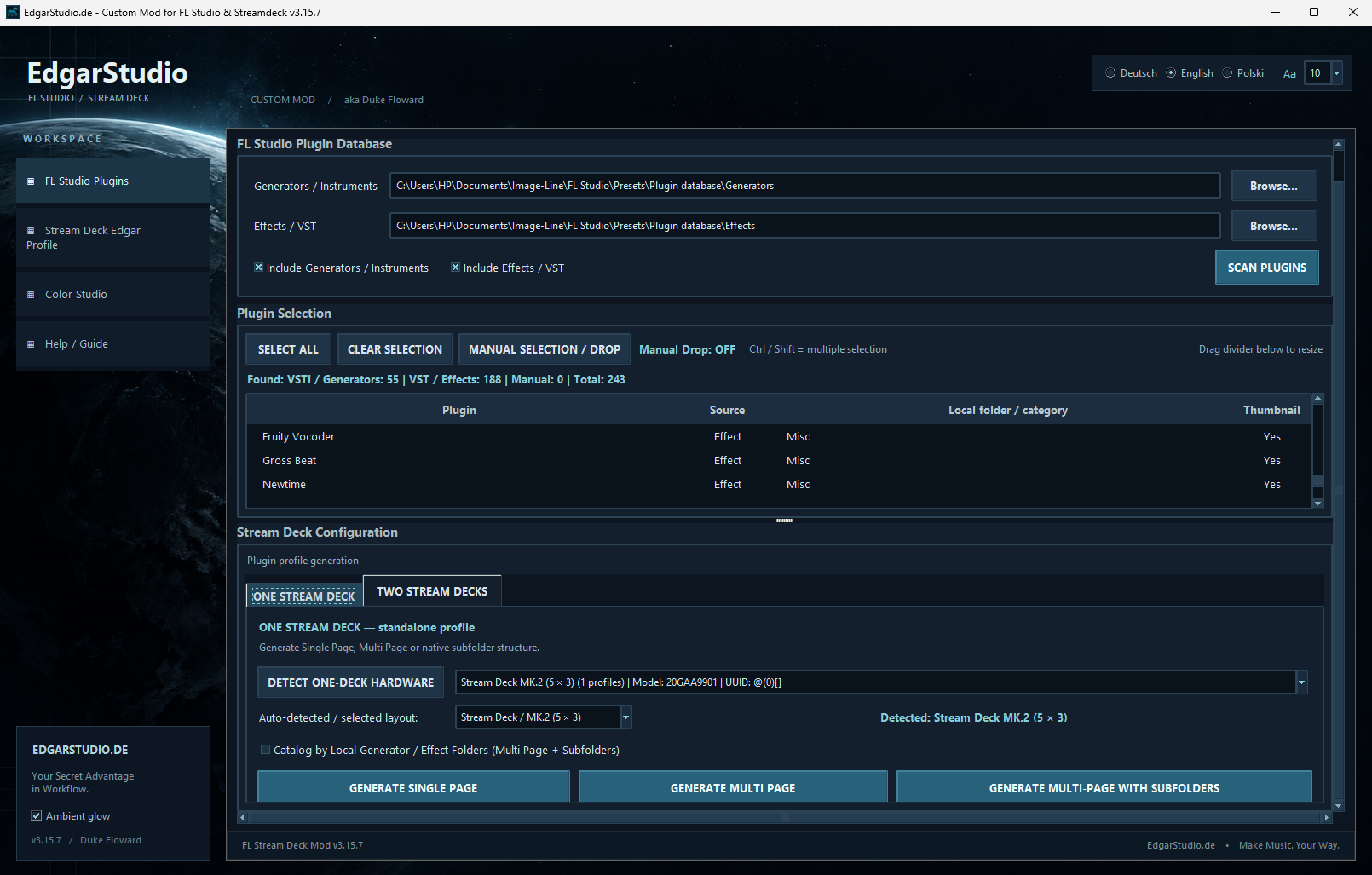
Custom Mode reads entries from the FL Studio plugin database and transfers the structure of your local generator and effect folders to Stream Deck profiles. You can then find synthesisers and effects on the device in the familiar structure of your collection. The configuration tool is a standalone program, not a VST extension or a plugin inside FL Studio.
Generators and effects are read from selected FL Studio database folders and can be chosen for the profile.
Create Stream Deck pages and subfolders instead of finding, adding and labelling every plugin button manually.
The tool detects connected devices and their key layouts. It currently supports Stream Deck XL and Stream Deck MK.2 with 5 × 3 keys.
You can configure one or two Stream Deck devices. In a two-device setup, one can control navigation and selection on the other.
Select instruments and effects for the selected mixer channels, control FL Studio functions and colour selected channels as a group.
Choose settings, profile variants and icon colour themes for controlling FL Studio. Export different configuration variants for your devices.
Custom Mode uses the existing plugin database and standard selection methods in FL Studio, including the selection window opened with F8. It does not replace the FL Studio plugin manager.
The main time saving comes from reading and transferring your plugin collection in one operation. Instead of programming each button separately, you choose the database folders and key layout, and the application creates the profile. With a prepared configuration, this can take around two to three minutes; the time depends on the collection size and device.
Device photos and views of generated profiles. Open a photo to see the details at a larger size.
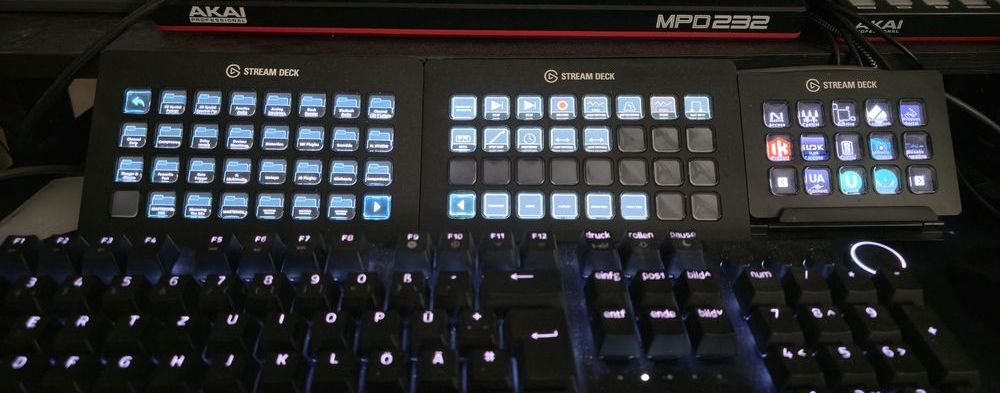 ConfigurationSeveral devices in the studioSeparate tasks and profiles for different control panels.
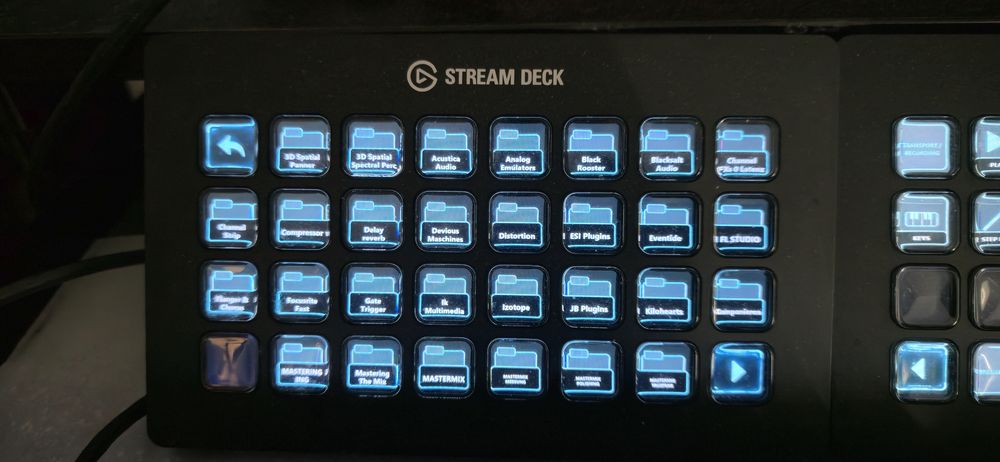 Plugin catalogueFolders on the devicePlugin categories match your collection.
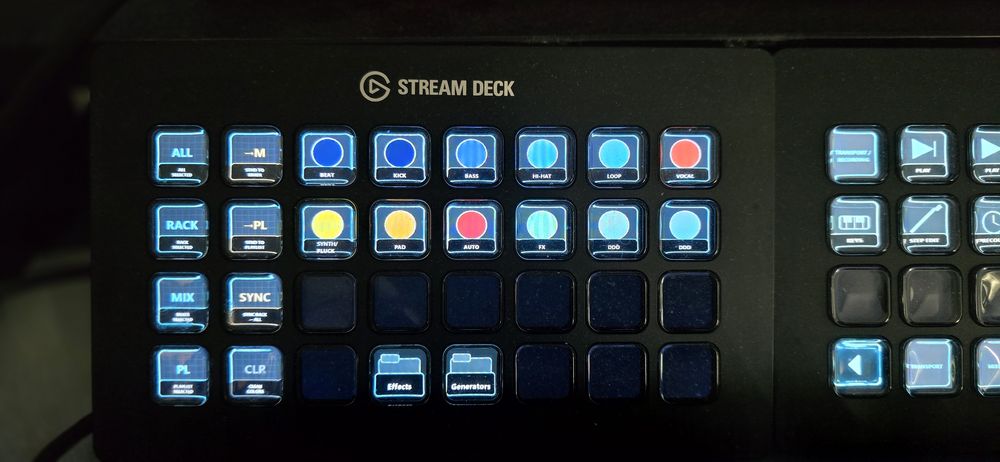 ControlFL Studio at your fingertipsColoured keys for selection and control.
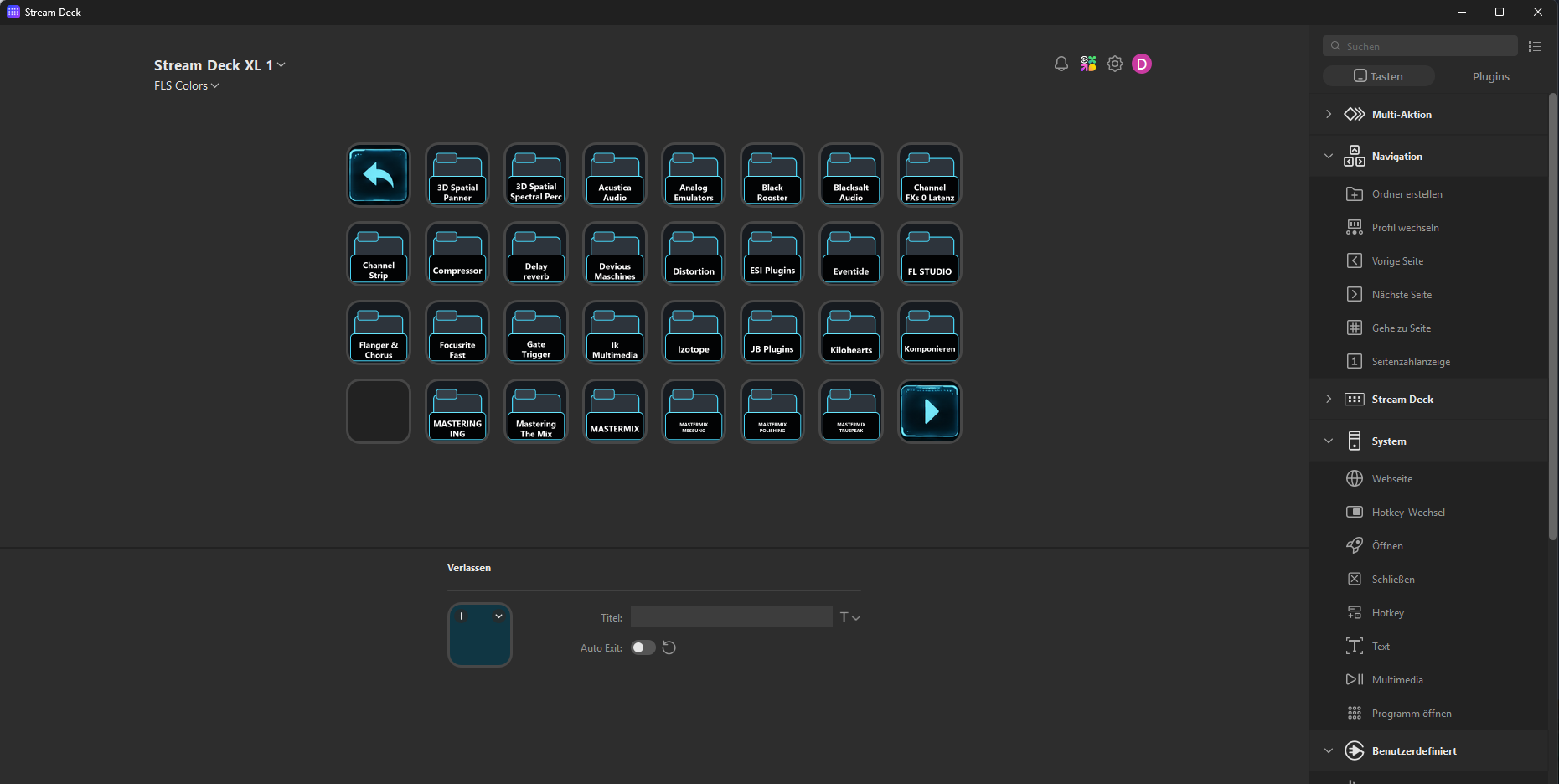 ProfileGenerated catalogue pageAn overview of plugin folders in the Stream Deck software.
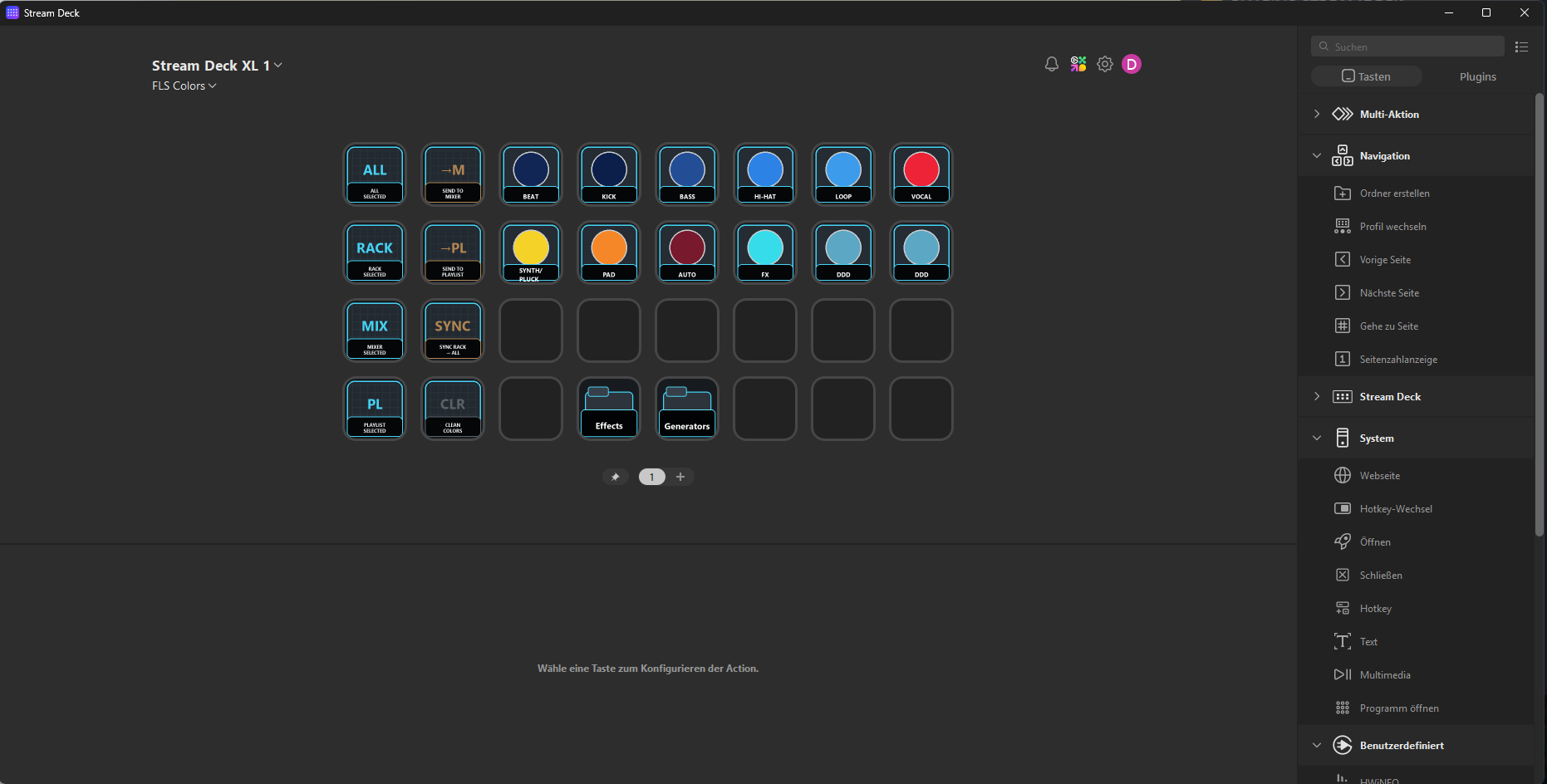 Colour themeControl with colourAn icon style for channels and quick actions.
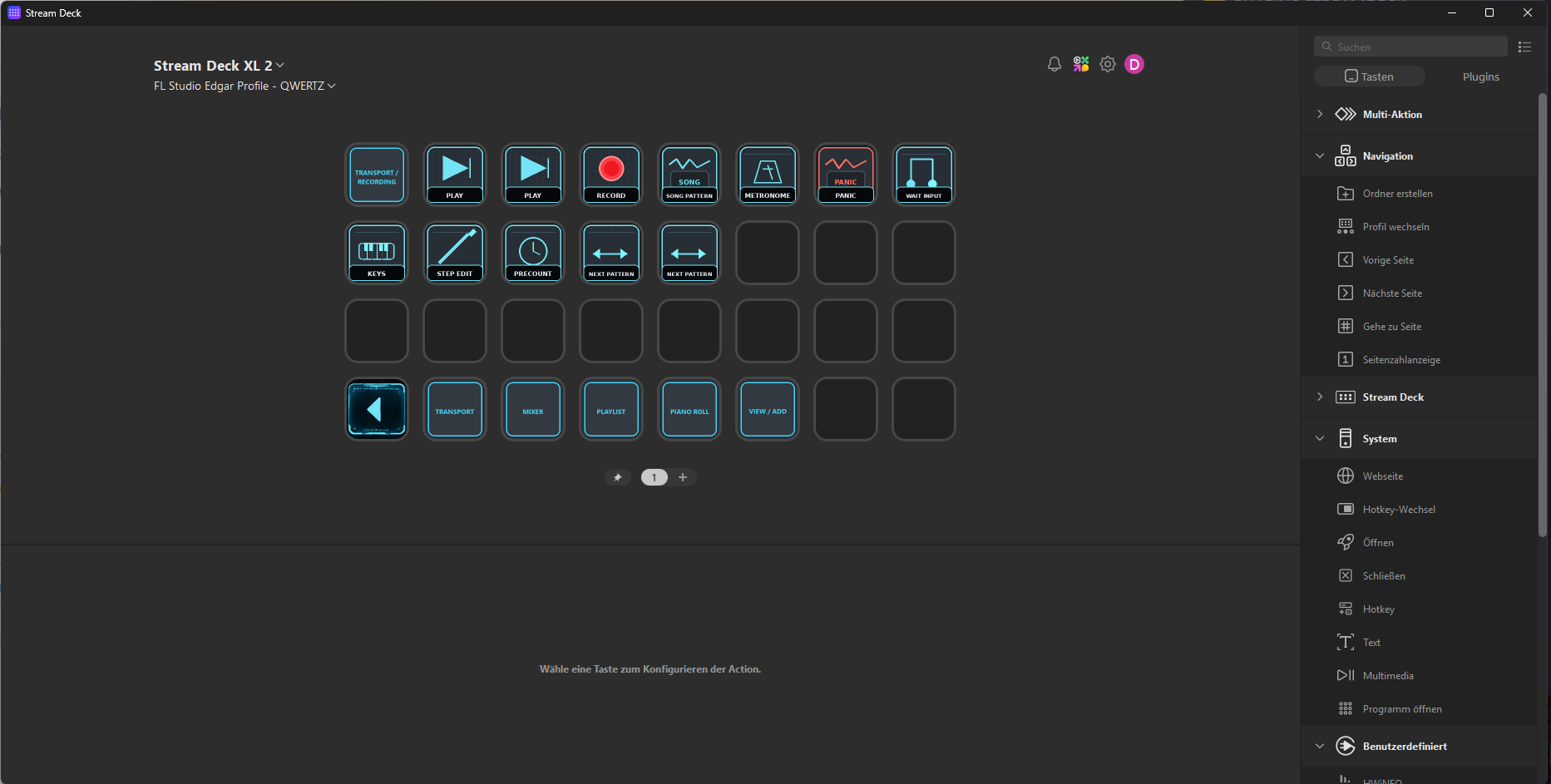 TransportControl your musicA separate profile for playback controls and FL Studio sections.
I am developing Custom Mode with current FL Studio versions in mind. A version with direct integration into the Elgato environment is planned. Its availability and exact features have not yet been confirmed.